Home
Home
How the Leading AI Art Generators Compare for Professional Use Cases in 2025
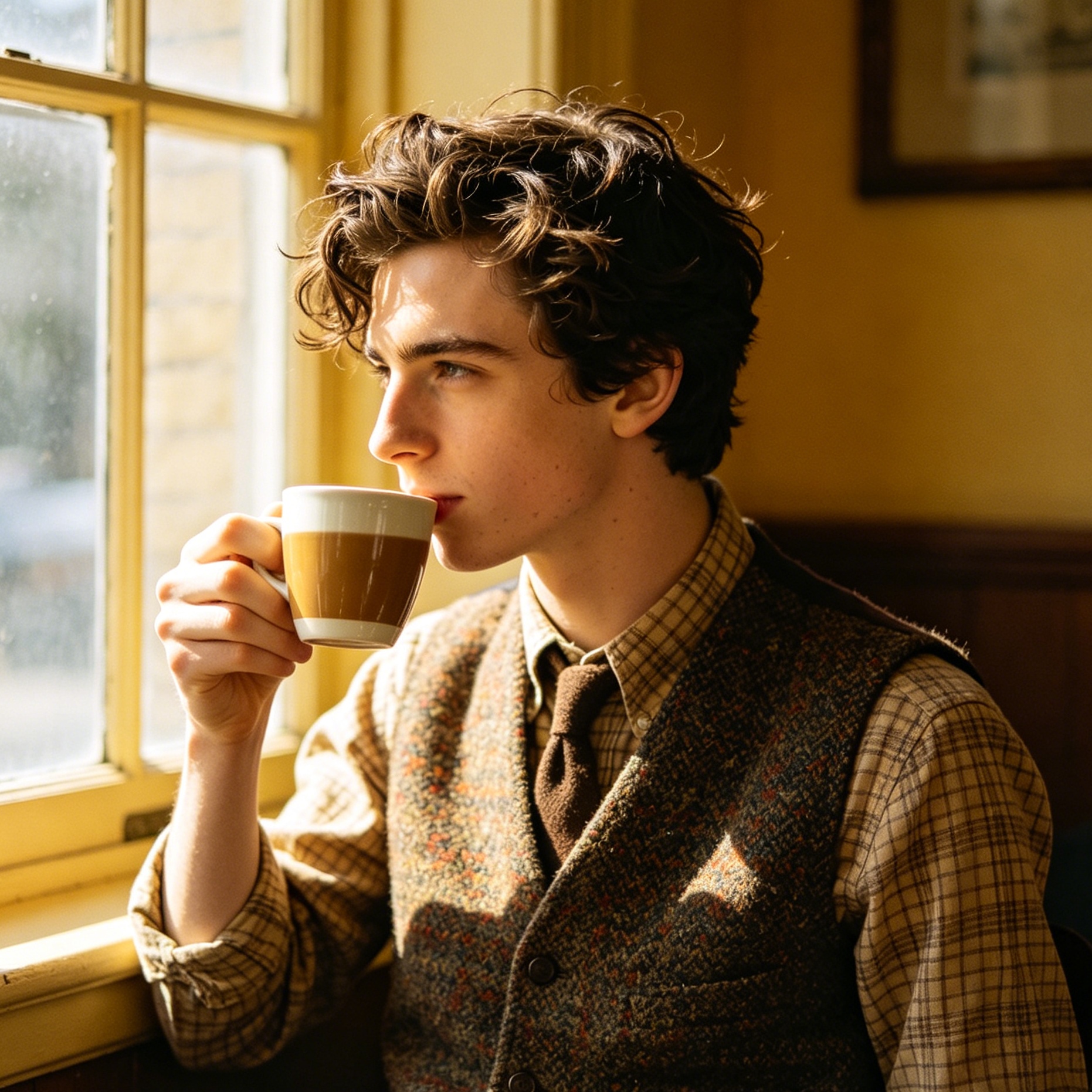
AI art generators have moved past the era of being mere technical novelties. In 2025, these systems—driven by sophisticated machine learning architectures—have become foundational components of the global creative economy. By converting text-based descriptions, known as prompts, into high-fidelity visual assets, they have redefined the speed at which concepts move from imagination to execution.
This evolution is not just about image quality; it is about the transition from "random generation" to "controllable creation." Understanding which tool to use requires a deep look into their underlying technologies, specific output styles, and how they handle the complexities of professional design requirements.
What Defines a Modern AI Art Generator?
At its simplest, an AI art generator is a software platform that utilizes neural networks to synthesize visual content. These models are trained on vast datasets consisting of billions of image-text pairs, allowing them to learn the semantic relationships between language and visual elements. When a user types "a neon-lit rainy street in a cyberpunk style," the AI does not search a database; it generates a unique image by predicting pixel arrangements that satisfy those specific concepts.
In 2025, the industry has branched into several distinct architectural approaches. While "Diffusion Models" remain the most common, a new wave of "Autoregressive Models" has emerged, offering improved logic and text rendering capabilities.
The Technical Shift: Diffusion vs. Autoregressive Models
To select the right tool, one must understand the two primary engines driving current image generation.
The Dominance of Diffusion Models
Most household names, including Midjourney and Stable Diffusion, rely on diffusion technology. This process starts with a canvas of pure Gaussian noise (static). The model iteratively removes this noise, guided by the text prompt, until a coherent image emerges.
- Latent Space Navigation: The AI maps concepts into a "latent space"—a multi-dimensional mathematical representation of visual data.
- Pros: Exceptional at capturing textures, lighting, and complex artistic styles.
- Cons: Occasionally struggles with spatial logic, such as the exact number of fingers on a hand or the physical relationship between overlapping objects.
The Rise of Autoregressive Models
Newer models like GPT Image 2 and Google's Nano Banana 2 utilize an autoregressive approach, similar to how Large Language Models (LLMs) generate text. Instead of refining noise, they predict the next "patch" or "token" of an image based on the previous ones.
- High Logic Fidelity: These models are significantly better at understanding complex instructions and rendering accurate text within an image.
- Computational Intensity: They often require more processing power and are slower than optimized diffusion models but provide a level of "common sense" in layouts that was previously missing.
Midjourney: The Benchmark for Aesthetic Quality
Midjourney remains the preferred choice for artists and concept designers who prioritize visual "soul" and artistic flair. Unlike its competitors, Midjourney does not aim for clinical photorealism unless specifically instructed; it defaults to a highly curated, cinematic aesthetic.
Real-world Performance in 2025
In our testing of the latest v7 architecture, Midjourney demonstrates a remarkable leap in handling lighting consistency. When prompting for "a high-fashion editorial shot on 35mm film with heavy grain," the model correctly simulates the chromatic aberration and depth of field associated with vintage lenses without the need for exhaustive technical jargon.
Key Features for Professionals:
- Style Reference (SREF): This allows users to maintain visual consistency across an entire project by using one image as a stylistic "anchor."
- Vary Region (Inpainting): An intuitive tool for selecting parts of an image and regenerating them, which is essential for fixing minor anatomical errors or changing specific accessories.
- Web-Based Interface: While Midjourney started on Discord, its transition to a standalone web platform has streamlined the workflow for corporate teams.
The User Experience Factor
Using Midjourney feels less like "programming" and more like "directing." The model interprets short, evocative prompts with surprising grace. However, for those requiring strict adherence to pixel-perfect layouts, the lack of granular control compared to open-source alternatives can be a bottleneck.
OpenAI and ChatGPT: The King of Conversational Editing
OpenAI’s integration of image generation directly into the ChatGPT interface (powered by models like DALL-E 3 and the newer GPT Image 2) has made AI art accessible to the masses. The primary strength here is not just the image quality, but the "conversational loop."
How Conversational AI Simplifies Design
In most generators, if the AI misses a detail, you have to rewrite the prompt and try again. With ChatGPT, you can simply say, "Great, but make the sun lower in the sky and change the protagonist's hat to a beret." The model understands the context of the previous image and makes incremental adjustments.
Strengths:
- Prompt Adherence: DALL-E 3 is arguably the best at following long, complex instructions. If you ask for "five people in a line, each wearing a different primary color," it rarely misses a count.
- Integration: For business users already using ChatGPT for copywriting, the ability to generate matching social media graphics in the same window is a massive productivity gain.
Limitations:
- Stylistic Homogenization: There is a distinct "AI look"—often described as slightly plastic or overly smooth—that can be difficult to shake without very specific prompting.
- Restrictive Filters: OpenAI maintains strict safety guidelines, which can sometimes result in "false positives," blocking harmless prompts that the AI deems potentially sensitive.
Stable Diffusion and Flux: The Power User’s Ecosystem
For those who require total control, the open-source world led by Stability AI and Black Forest Labs (the creators of Flux) is the gold standard. These models can be run locally on high-end hardware, ensuring total privacy and infinite customization.
Why Professionals Choose Flux.1 and SDXL
The open-source community has developed a layer of tools that sit on top of the base models, most notably ControlNet. This allows a designer to provide a "pose" or a "depth map" to the AI, forcing it to follow a specific structure.
- Local Execution: Running a model like Flux.1 Dev requires significant VRAM (typically 24GB for smooth operation), but it removes subscription costs and data privacy concerns.
- LoRA (Low-Rank Adaptation): These are small "plugin" models trained on specific people, objects, or art styles. If a company wants AI to generate images of its specific product, they can train a LoRA on 20-30 photos of that product, and the AI will generate it perfectly every time.
The "Experience" Reality
Setting up a local instance of Stable Diffusion using ComfyUI or Automatic1111 is not for the faint of heart. It requires a fundamental understanding of Python, GPU drivers, and node-based workflows. However, for a professional studio, the ability to fine-tune a model to a specific brand identity is a capability that closed platforms like Midjourney cannot yet match.
Adobe Firefly: The Commercially Safe Alternative
Adobe took a different approach by training its Firefly models exclusively on Adobe Stock images and public domain content. This addresses the "elephant in the room": copyright.
Legal Certainty in Corporate Environments
For a Fortune 500 company, using an AI tool trained on "scraped" internet data is a legal minefield. Adobe offers indemnification, promising that the content generated by Firefly is commercially safe.
Workflow Integration:
- Generative Fill in Photoshop: This has become an industry standard. Being able to expand the canvas of a photo or remove unwanted objects with a few words is now a daily task for most professional retouchers.
- Vector Generation: Firefly is one of the few models that can generate true vector graphics for use in Illustrator, making it invaluable for logo design and iconography.
How do AI art generators work?
To the casual observer, the process seems like magic, but it is deeply rooted in probability and pattern recognition. When an AI "learns" art, it isn't memorizing images; it is learning the mathematical relationship between pixels.
- Training Phase: The model looks at a photo of a "golden retriever" and the accompanying text. It learns that certain patterns of orange and white pixels, arranged in a specific shape, correlate with that word.
- Inference Phase: When you type "golden retriever," the AI reaches into its latent space and pulls out those mathematical patterns.
- Denoising: In a diffusion model, the AI starts with a screen of static. It asks itself, "Which of these random dots looks most like it could be part of a golden retriever?" It moves those dots, repeat this thousands of times, and the image emerges.
The Ethical and Legal Landscape in 2025
The rise of AI art has not been without significant friction. The tension between rapid technological progress and the rights of human creators is at an all-time high.
Copyright Rulings and Authorship
In 2023, the U.S. Supreme Court ruled that purely AI-generated art is ineligible for copyright protection because it lacks "human authorship." This was reinforced in early 2026 when the court declined to hear further challenges.
- The "Human-in-the-Loop" Requirement: For a work to be copyrighted, there must be "substantial human creative input." This means that while a raw AI output cannot be owned, a complex piece of digital art where AI was only one of many tools used by a human may still be eligible for protection.
Data Sourcing and Consent
The "scraping" of artist portfolios without consent remains a central ethical debate. While companies like Adobe and Getty have moved toward licensed datasets, others argue that AI "learning" is transformative and falls under "fair use," much like a human artist learns by looking at the works of masters.
Best Practices for Professional Prompt Engineering
To get the most out of these tools, one must move beyond simple descriptions. Professional "prompting" is a nuanced skill that involves controlling the model's parameters.
- Specify the Medium: Instead of "a car," try "a high-shutter-speed action photograph of a vintage Porsche, shot on Ektachrome 100."
- Define Lighting and Mood: Terms like "golden hour," "volumetric lighting," or "chiaroscuro" provide the AI with much-needed direction on how to handle shadows and highlights.
- Use Technical Parameters: In Midjourney, using
--ar 16:9for aspect ratio or--stylize 250to control the "artistic intensity" can dramatically change the result. - Negative Prompting: In tools like Stable Diffusion, telling the AI what not to include (e.g., "extra fingers, blurry, low resolution") is just as important as telling it what to include.
The Future of AI Art: Beyond Static Images
As we look toward 2026 and beyond, the boundary between static art and video is blurring. Models like Luma's Dream Machine and Kling are allowing users to take a generated AI image and animate it into a high-quality video clip.
Furthermore, we are seeing the rise of "Real-time Latent Consistency Models." These allow artists to draw a rough sketch on a tablet while the AI generates a finished, high-fidelity render in real-time. This turns AI from a "generator" into a "brush," restoring a sense of tactile control to the digital artist.
Summary
AI art generators have fundamentally changed the cost and speed of visual production. Whether you choose the artistic brilliance of Midjourney, the conversational ease of ChatGPT, the commercial safety of Adobe Firefly, or the raw power of Stable Diffusion, the key is to view these tools as collaborators rather than replacements. The most successful creators in 2025 are those who use AI to handle the "heavy lifting" of rendering, allowing them to focus on the high-level concepts and creative direction that only a human can provide.
FAQ
Can I use AI-generated art for commercial products?
Yes, but it depends on the platform's terms of service and your local laws. Tools like Adobe Firefly and Midjourney (with a Pro plan) allow commercial use. However, remember that you may not be able to "copyright" the raw output in many jurisdictions.
What is the best AI art generator for beginners?
Canva and ChatGPT (DALL-E 3) are generally considered the most user-friendly because they allow for simple, natural language inputs without requiring technical parameters.
Do I need a powerful computer to run AI art generators?
Most popular tools (Midjourney, ChatGPT, Firefly) are cloud-based, meaning they run on the company’s servers. You only need a powerful computer (specifically a high-end NVIDIA GPU) if you want to run open-source models like Stable Diffusion or Flux locally.
Why do AI-generated images sometimes have "messed up" hands?
This is due to how the models learn spatial relationships. A model knows what a "finger" looks like and what a "hand" looks like, but it doesn't always understand the biological "logic" that a hand must have exactly five fingers attached in a specific way. Newer models like Flux and Midjourney v6/v7 have significantly improved this.
Is AI art "stealing" from real artists?
This is a complex ethical question. Critics argue that training on copyrighted images without permission is a form of theft. Proponents argue that AI learns from data in a way that is legally "transformative" and similar to how humans find inspiration in the world around them.
-
Topic: Guide to AI Image Generation Models and Architectureshttps://tapflare.com/articles/pdfs/guide-ai-image-generation-models.pdf
-
Topic: AI art - Wikipediahttps://en.wikipedia.org/wiki/AI-generated_painting
-
Topic: The 20+ top AI art generators in 2026 | Zapierhttps://www.zapier.com/blog/ai-art-generator/